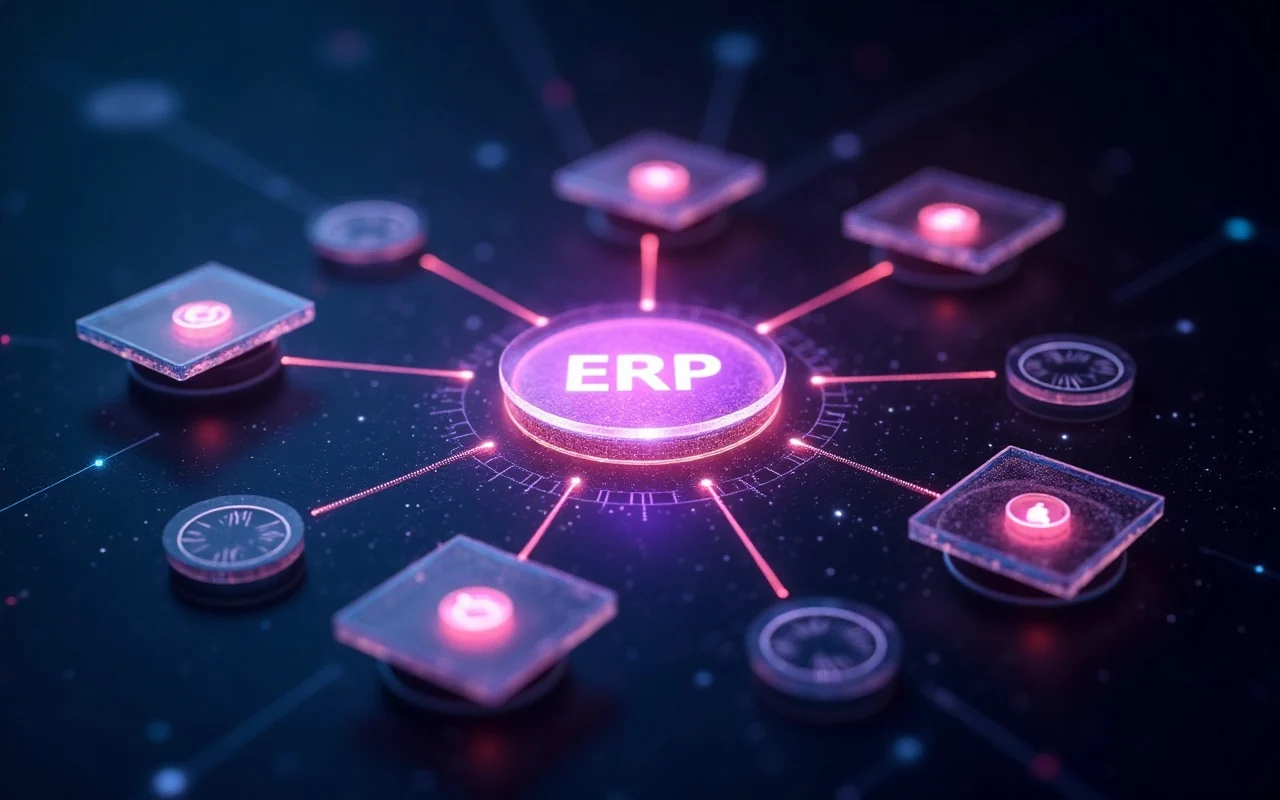
An ERP system — short for enterprise resource planning — is the software backbone that runs a business from one place: finance, inventory, sales, purchasing, HR, and more, all sharing a single database. Instead of a dozen disconnected tools that each hold a fragment of the truth, an ERP system gives every department the same numbers in real time.
At RapiNova we build and operate our own cloud ERP, rnaccounts, which today serves more than 140 organizations across retail, manufacturing, and services. This guide explains what an ERP system actually is, the modules it’s built from, how to tell when you need one, and how to choose between cloud and on-premise, build and buy.
What Is an ERP System?
ERP stands for enterprise resource planning. In practice, an ERP system is a single platform that manages your core business processes — accounting, stock, orders, procurement, production, and people — on top of one shared database.
The defining idea is a single source of truth. When a sale is recorded, an ERP automatically reduces inventory, posts the revenue to the ledger, and updates the customer’s record. Nobody re-keys the same transaction into three systems. That one property — data entered once, visible everywhere — is what separates real ERP software from a collection of apps that happen to export to each other.
Modern ERP software is delivered as cloud services, reached through a browser and mobile apps, and priced per user or per module rather than as a large upfront license. That shift is why enterprise resource planning is no longer only for large corporations. A ten-person business can now run on the same class of system a multinational uses, switching on only the modules it needs.
The Core ERP Modules
Every ERP is assembled from modules — self-contained functional areas that share the central database. You rarely deploy all of them at once. The common ERP modules are:
- Finance & Accounting — general ledger, accounts payable and receivable, tax, and financial reporting. This is the module every ERP is built around.
- Inventory & Supply Chain — real-time stock levels, warehouses, reorder points, and goods movement.
- Purchasing & Procurement — supplier management, purchase orders, and approval workflows.
- Sales & CRM — quotes, orders, customer records, and the pipeline that feeds them.
- Manufacturing — bills of materials, work orders, and production planning tied directly to inventory and cost.
- HR & Payroll — employee records, attendance, shifts, and salary processing.
- Point of Sale & Retail — in-store and online selling that posts straight into inventory and accounts.
- Reporting & Analytics — dashboards that read live data across every other module.
The value isn’t any single module in isolation — you can buy standalone accounting or inventory software anywhere. The value is that they share one database, so a purchase order, a goods receipt, a stock adjustment, and a supplier payment become one connected chain of events. rnaccounts ships these modules as a single platform, so a business can start with point-of-sale and inventory, then switch on accounting, manufacturing, or HR as it grows.

Signs Your Business Has Outgrown Spreadsheets
Most businesses don’t start with an ERP, and they shouldn’t. Spreadsheets and a couple of apps are cheap and flexible early on. You’ve outgrown them when the cost of not having a single source of truth starts to show up as errors and wasted hours. The clearest signals:
- You enter the same data more than once. An order is typed into a sheet, then into accounting, then into inventory — each re-entry a chance to get it wrong.
- Your numbers don’t agree. Inventory says one thing, finance says another, and no one is certain which is right.
- Month-end drags on for days. Closing the books means manually reconciling across disconnected tools.
- You can’t answer “how are we doing right now?” Real-time visibility requires stitching together exports after the fact.
- Growth multiplies manual work instead of scaling it. Every new location, product line, or hire adds re-keying rather than leverage.
If two or three of these are already true, the friction is costing you more than an ERP would. Our guide to ERP for small business goes deeper on how to judge whether you’ve hit that point.
Cloud ERP vs On-Premise
There are two ways to run ERP software: in the cloud, hosted and maintained by the vendor, or on-premise, installed on servers you own and manage.
Cloud ERP has become the default for most businesses, for good reasons:
- No hardware to buy or maintain, and no in-house team to patch it
- Predictable subscription pricing instead of a large upfront capital cost
- Automatic updates, backups, and security handled by the vendor
- Access from any browser or mobile device, which suits distributed teams
On-premise still makes sense in specific cases — strict data-residency rules, air-gapped environments, or deep customization a shared platform won’t allow. In 2026 most of those needs are met by private cloud or dedicated single-tenant deployments, which give you the isolation of on-premise without running the servers yourself. We deploy rnaccounts as a multi-tenant cloud system, with dedicated instances for clients who need hard isolation — the cost efficiency of SaaS with the control of a private deployment when it’s genuinely required.
How to Choose the Right ERP
The biggest decision isn’t which vendor — it’s whether to buy an off-the-shelf ERP or build one around your own processes.
Buy when your core processes are standard. Most businesses run finance, inventory, and sales in fairly conventional ways, and a good ERP covers most of that out of the box.
Build or heavily customize when your competitive advantage lives in a workflow no off-the-shelf product handles — bespoke manufacturing steps, an unusual service model, or industry rules that generic software forces into awkward workarounds. A useful test: if a standard product needs more than about 40% customization, custom ERP development often costs less over five years and fits far better.
Whichever way you lean, judge candidates on outcomes, not feature checklists:
- Time to first value — how quickly your team can actually work in the system
- Process coverage — the share of your real workflows it handles without workarounds
- Integration depth — whether it connects to the payment gateways, logistics, and messaging you already use
- Total cost of ownership — licensing plus customization, training, and support over five years, not the sticker price
We cover this decision in depth, including the ROI metrics that matter, in How to Choose the Right ERP.
What ERP Implementation Actually Involves
Buying or building the software is the easy part. Implementation is where ERP projects succeed or fail. A typical rollout runs through five stages:
- Process mapping — documenting how your business actually works before configuring anything
- Configuration — setting up modules, roles, tax rules, and workflows to match those processes
- Data migration — cleaning and moving existing records; your ERP is only as good as the data you put in it
- Training — teaching each team the parts of the system they’ll actually use
- Parallel run and cutover — running old and new side by side briefly, then switching over
A focused mid-size rollout typically takes 8 to 12 weeks; large, multi-department enterprise projects run longer. The single biggest predictor of failure is the big-bang approach — trying to switch everything on at once. Successful ERP implementation is almost always phased: start with one department, prove value, then expand. It also needs an internal owner with the authority to drive adoption, or people quietly keep using the old spreadsheets.
ERP for Small Business vs Enterprise
The same core idea scales across company sizes, but the priorities differ.
For a small business, the risks are over-buying and over-complicating. A heavyweight enterprise suite will drown a small team in features it never uses. The right move is a modular system where you switch on point-of-sale and inventory first, then add accounting or HR as you grow — without re-platforming.
For an enterprise, the challenges are process complexity, integration with existing systems, and change management across departments and locations. The stakes are higher: a poorly chosen enterprise ERP can take years to recover from. Executive sponsorship, a phased rollout, and process-first thinking matter far more than any feature comparison.
What both share is the payoff. When every department works in one platform, data flows once and decisions happen faster. In our own client work, replacing a tangle of disconnected tools with a single ERP typically cuts operational overhead by a meaningful margin — often in the 40-60% range — not because the software is magic, but because it eliminates duplicate entry and manual reconciliation.
Where to Start
If you’re weighing whether an ERP system is right for your business, start with your data. List the handful of processes where information gets entered more than once, or where your numbers regularly disagree. That map tells you which modules would pay for themselves first.
We offer a free architecture consultation: we map your processes, show you where automation delivers the highest return, and give you an honest read on build versus buy for your specific situation — whether that’s rnaccounts, a custom platform, or simply keeping the tools you have a little longer.
If a single ERP still leaves gaps between departments, the next step up is a business operating system that runs the whole company — see how RapiNova Business OS approaches it, or weigh the real cost of an ERP implementation before you commit.